
AI Frame Interpolation
Turn Choppy Video Into Smooth 120FPS Motion
PixelJex boosts video FPS with AI frame generation, optical flow, and RIFE-based motion interpolation.
Free AI video frame interpolation for 30FPS to 60FPS/120FPS conversion, gameplay smoothing, and old low-FPS footage enhancement.
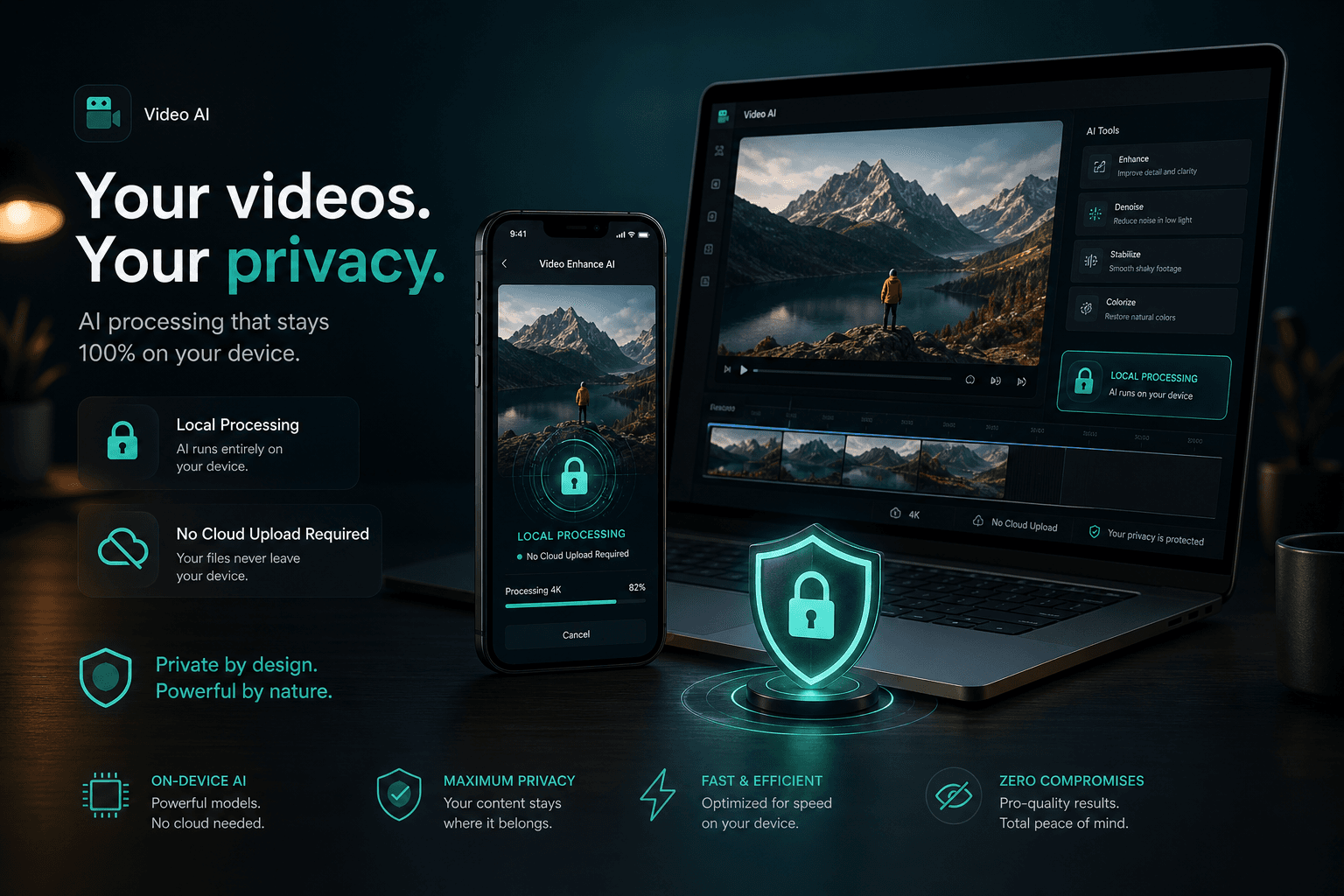
120FPS MaxOn-device ProcessingRIFE-based AI
Local ProcessingRIFE-based Motion AIUp to 120FPSVideo + GIF Support
How It Works
Import your video or GIF
Choose target FPS or interpolation multiplier
Let AI generate intermediate frames
Export your smoother high-frame-rate result
Built for Smooth Motion
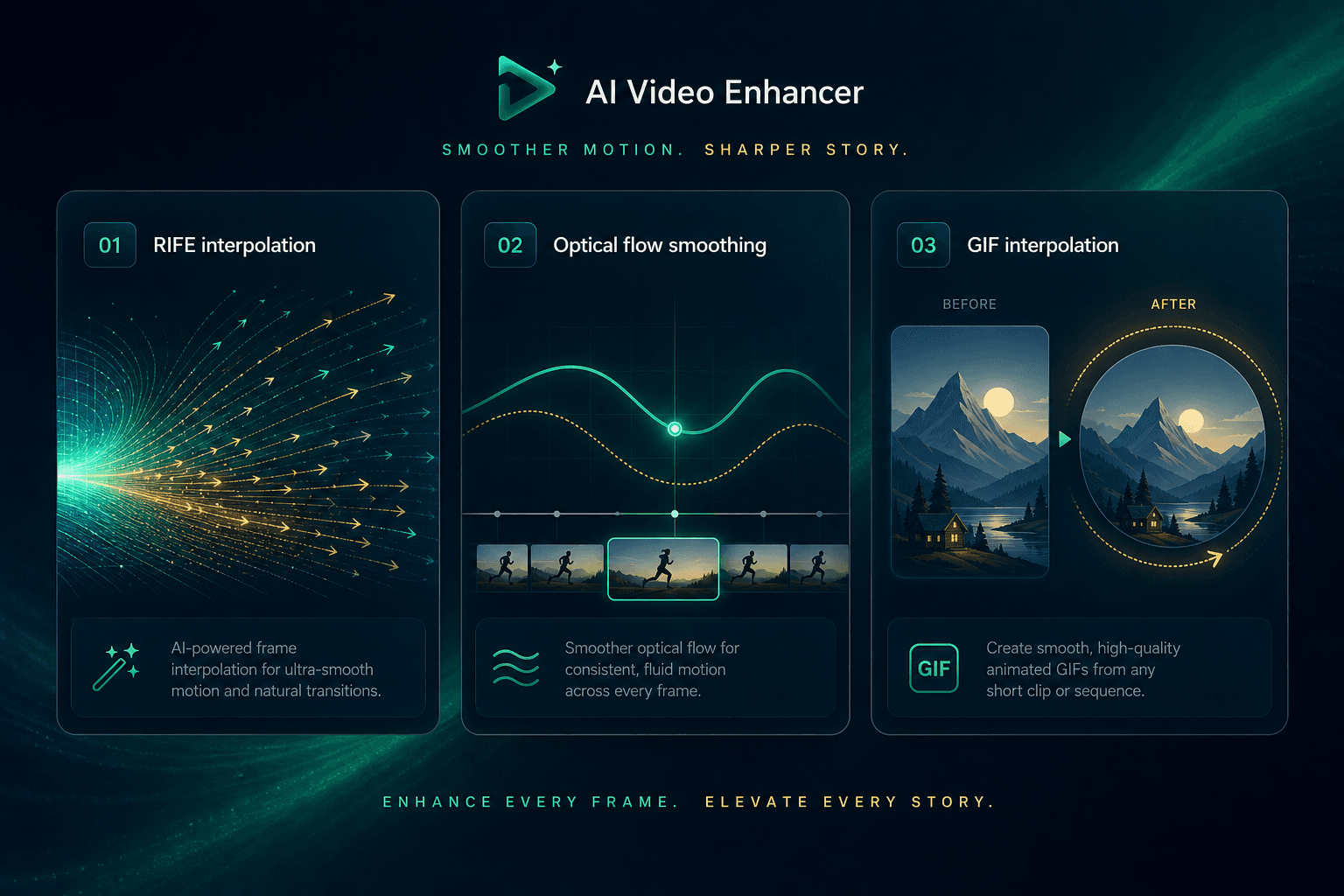
AI Video Frame Interpolation
Generate realistic in-between frames for fluid playback.
✦FPS Booster: 60/90/120
Convert low-frame-rate video to high-frame-rate output.
✦RIFE + Optical Flow
Motion-aware interpolation, not simple frame duplication.
✦AI GIF Smoother
Upgrade choppy GIF loops with extra AI-generated frames.
✦Perfect For
- Gameplay and screen recordings
- Sports and action clips
- Travel, dance, and creator content
- Old family videos with low frame rates
- TikTok, Reels, and YouTube Shorts
Key Highlights
What PixelJex Does
PixelJex is a free AI video frame interpolation app that generates realistic in-between frames for smoother playback.
How PixelJex Works
It analyzes frame-to-frame motion with optical flow and RIFE-based interpolation to create motion-consistent frames.
Best Use Cases
Best for gameplay, sports, action, camera movement, and older low-frame-rate footage.
Limits and Expectations
Output quality depends on source clarity, motion complexity, and device performance.
Why AI Interpolation
| Method | Motion Quality | Best For |
|---|---|---|
| AI interpolation (PixelJex) | Natural, fluid motion | Fast movement, camera motion, low-FPS footage |
| Frame duplication | Choppy look remains | Basic compatibility only |
| Frame blending | Can cause ghosting | Simple transitions |
Frequently Asked Questions
Does PixelJex upload my videos?
No. PixelJex processes videos and GIFs locally on your device.
Can I convert 30FPS to 120FPS?
Yes. You can choose 60FPS, 90FPS, or 120FPS as your target output.
Is this better than duplicating frames?
In most cases yes. AI interpolation creates motion-aware intermediate frames for smoother playback.
Who is PixelJex for?
Creators, gamers, editors, students, and anyone who wants smoother video without complex tools.
Ready to Make Your Videos Smoother?
Download PixelJex and boost video FPS with AI interpolation up to 120FPS.